

OpenAI
Sora 2
Sora 2 Video Generator
Explore the supplier-listed Sora 2 text-to-video route. Review its availability notice, supported settings and credit quote before generating.
Create your video
Purchased credits · Starting costs use each model’s lowest-cost valid settings. The final cost updates with your selected settings.
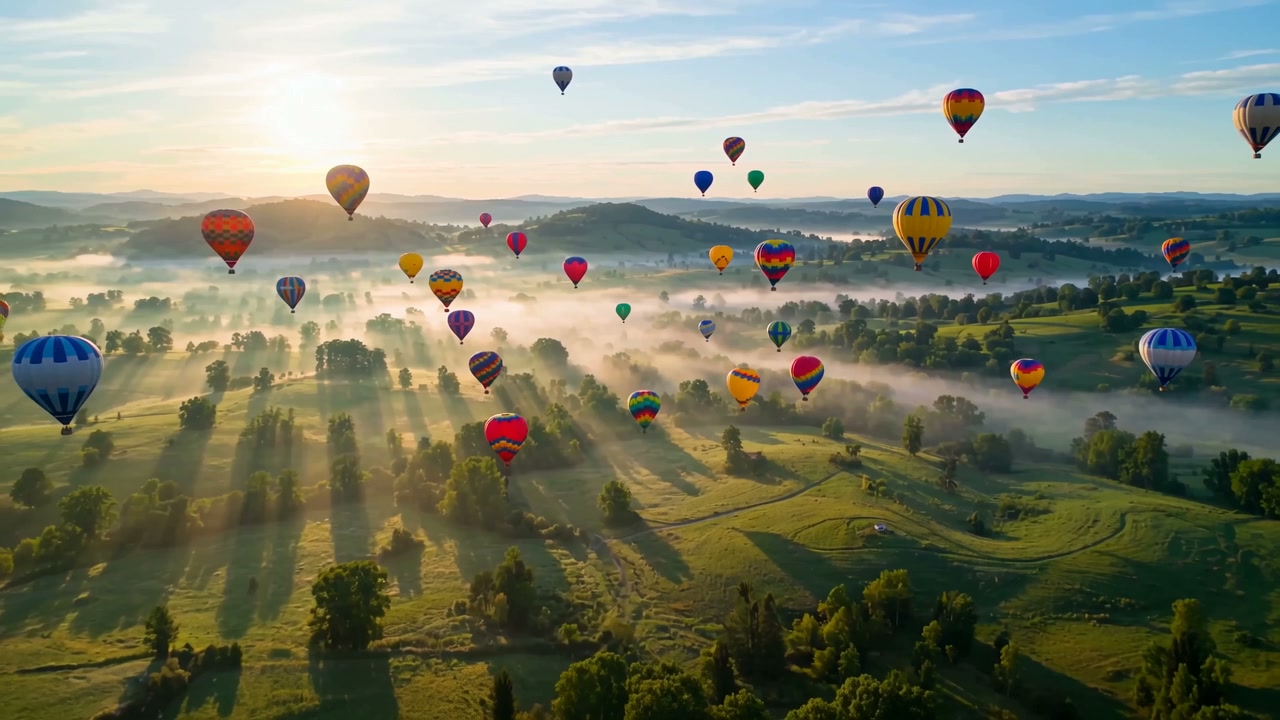 Creative preview
These shared examples illustrate ideas, not guaranteed results from the selected model. Model and settings affect the output.
Model specs
- Engine
- Sora 2
- Clip lengths
- 4s / 8s / 12s
- Resolutions
- 720p
- Credits
- from 265 credits
Sora 2 is a third-party model by OpenAI, running on a hosted inference API. This site is not affiliated with OpenAI.
Sources and model scope
Specifications and credit costs describe the models configured on this site. Vendor products may offer different features. Individual examples are not a controlled test or an overall quality ranking.
OpenAI lists September 24, 2026 as the retirement date for its Sora 2 API. The Sora 2 option here is a separately supplied route, not evidence of ongoing official API access. Check current availability and the credit quote before purchasing.
Examples to start from
These shared examples illustrate ideas, not guaranteed results from the selected model. Model and settings affect the output.
How it works
- 1
Write a prompt describing the scene, style and camera motion.
- 2
Pick a model, clip length and resolution.
- 3
Generate and preview your AI video.
- 4
Download the MP4 and share it anywhere.
What should you know before you start?
Can I use Sora 2 online?
OpenAI lists September 24, 2026 as the retirement date for its Sora 2 API. The Sora 2 option here is a separately supplied route, not evidence of ongoing official API access. Check current availability and the credit quote before purchasing.
What are Sora 2 clip lengths and resolution?
Sora 2 on this site: clip lengths 4s / 8s / 12s; resolutions 720p; entry cost 265 credits. The generator shows the quote for your selected settings.
Does this page support image-to-video with Sora 2?
No — the hosted Sora 2 endpoint is text-to-video only and does not accept real-person photos. For image-to-video, use the Image to Video tool powered by Wan 3.0.
Is Sora 2 free to try?
This model requires purchased credits. Free starter credits can only be used with Seedance 1.0 Pro Fast. Check the cost in the generator before continuing.
Can Sora 2 enhance or edit an existing video?
No. On this site Sora 2 is text-to-video only — it invents the whole scene from your description. To animate an existing photo instead, use the Image to Video tool with Wan 3.0 or Veo 3.1 Fast.
Ready to create your first AI video?
Sora 2 is a third-party model by OpenAI, running on a hosted inference API. This site is not affiliated with OpenAI.