

Witch Broom Crash AI
Create a flying broom crash video from one adult photo: wave, hit the road sign, tumble onto grass and get up.
GenerateAn original scene generated from your photo. Use the complete example to judge the movement and camera style. Each generation is a new take.
Use one sharp adult photo with the face, outfit and whole body visible. This preset has one lead role.
Silent MP4. Add a soundtrack from your publishing platform’s licensed library.
Real generated examples
Actual model outputs made with original synthetic adult or pet references. Check the complete motion before choosing a recipe.
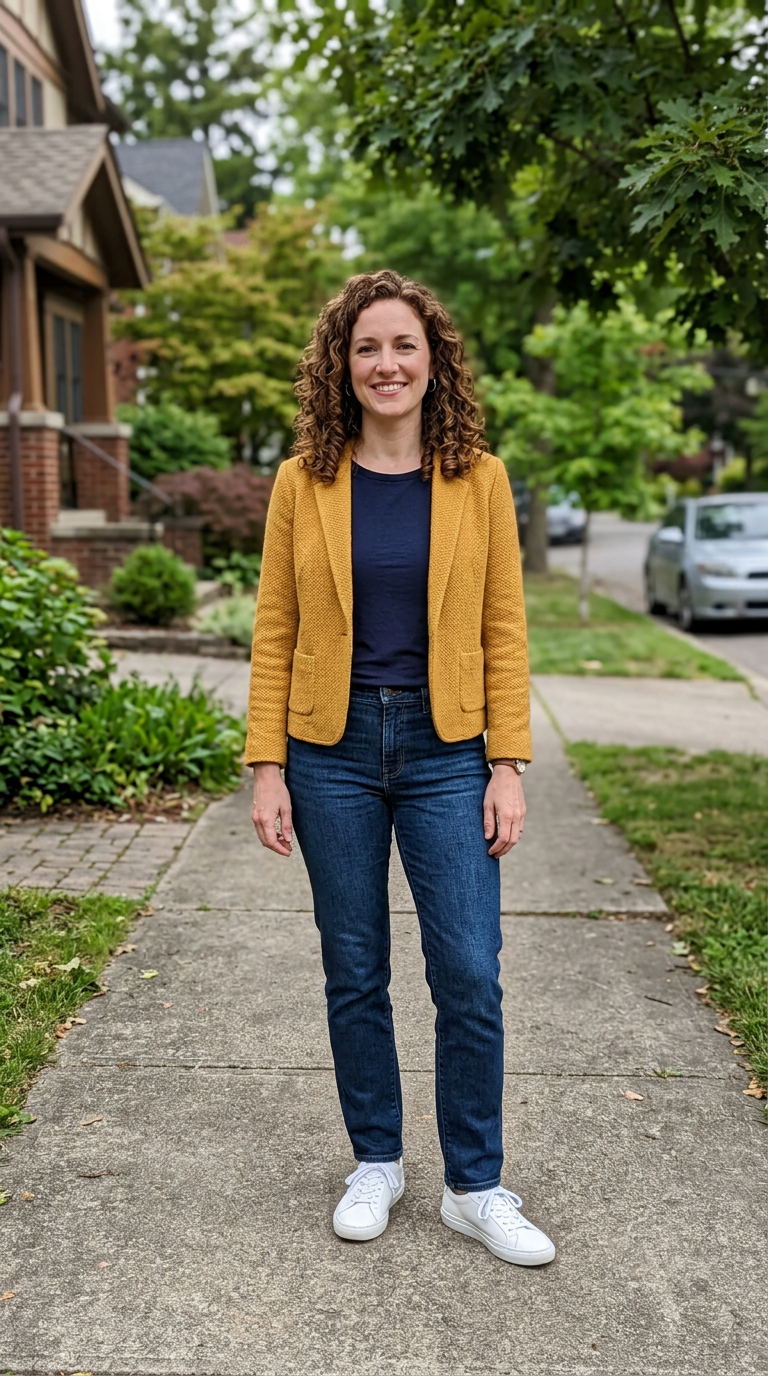
Reference images
Witch Broom Crash AI
Seedance 2.5 Reference Template · 10.04 s · 480×854
Steps
- Choose roles and upload your files.
- Check the settings and credit quote.
- Generate, preview and download your video.
Frequently asked questions
What happens in this scene?
Create a flying broom crash video from one adult photo: wave, hit the road sign, tumble onto grass and get up.
Which photo should I upload?
Use one sharp adult photo with the face, outfit and whole body visible. This preset has one lead role.
What sound does the video include?
Silent MP4. Add a soundtrack from your publishing platform’s licensed library.
How do pricing and retries work?
The live quote shows the selected recipe’s credit cost before you confirm. Sign in to generate. An accepted request can be recovered without starting another charge; a failed charged task is refunded. A new take is a new paid generation.