

Kling 2.6 Motion Control
- Clip lengths
- 3–10s
- Resolutions
- 720p / 1080p
from 160 credits
Guide a character photo with movement from a reference video. Choose a motion model, check the credit quote, then review the generated clip.
Keep your character photo and your movement reference separate. The photo supplies the subject’s appearance; an MP4 supplies the performance to follow. Match the framing and visible body parts so the model has a clearer guide, then inspect the generated face, hands and movement.
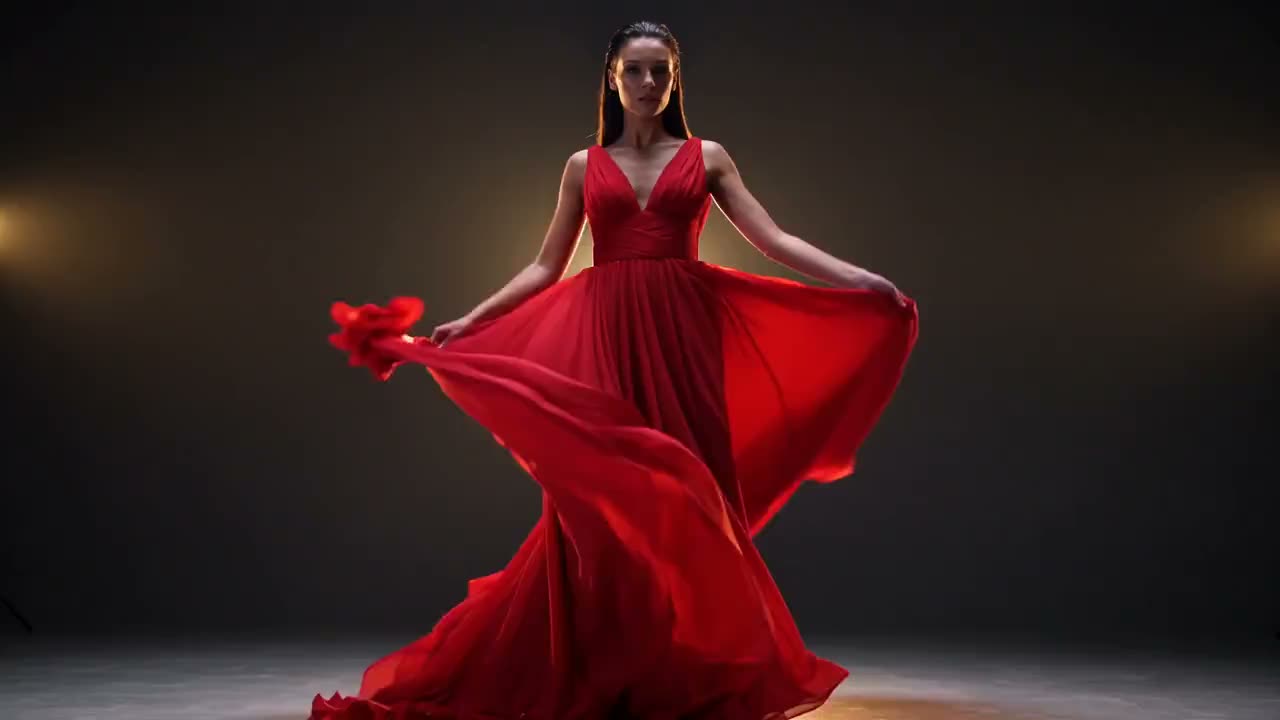
Concept demonstration to illustrate a creative direction. This is not a verified output from this tool.
Character photo + MP4 motion reference
Review identity, hands and movement continuity
Upload a clear photo of one subject with the body parts needed for the action visible.
Use the controls on this page to upload your reference MP4, choose a compatible model and review the duration, resolution and credit quote.
Confirm generation on this page, then check identity, limbs and framing in the resulting video.
from 160 credits
from 285 credits
Try a short dance reference with your own character photo before planning a longer edit.
Explore gestures, poses and movement ideas for a fictional character.
Create a motion study for a short post, then add licensed music in your editor.
One character photo and an MP4 motion reference. Use similar framing and a clearly visible subject; current limits appear with the selected model.
The current motion workflow does not keep the reference video’s sound. Add audio separately during editing.
No exact match is guaranteed. Fast movement, occlusion and mismatched framing can affect the result; review the face, hands and limbs.
Select the model and settings in the controls on this page to see the credit quote before submitting. Browsing or choosing files does not start a paid generation.