

OmniHuman 1.5
- Clip lengths
- 1–30s
- Resolutions
- 720p
from 140 credits
Turn a single portrait and your WAV recording into an audio-driven avatar video. Review the model settings, credit quote and generated performance.
Bring the portrait and the spoken audio you want to use. This workflow animates one photographed subject from an uploaded WAV recording; it does not create narration from typed text. A clear face and a clean recording give you a more useful starting point for reviewing lip movement and expression.
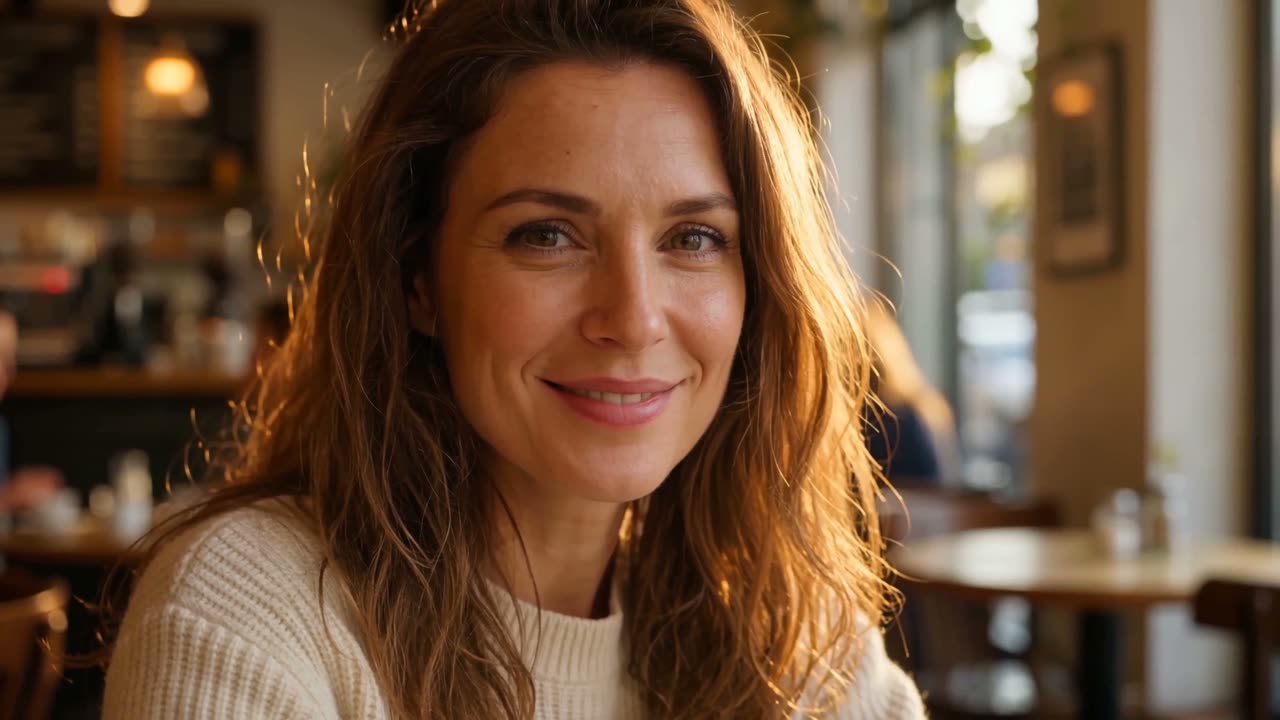
Concept demonstration to illustrate a creative direction. This is not a verified output from this tool.
Single-subject portrait + WAV recording
Review lip movement, expression and audio timing
Upload a clear photo of one subject with the face visible and little obstruction.
Upload your WAV recording using the controls on this page. Choose the model and check the permitted duration and credit quote.
Confirm generation on this page, then listen to the audio and inspect lip movement, facial expression and identity.
from 140 credits
Animate a portrait for a prepared welcome or personal introduction.
Present a short explanation using audio you have already recorded.
Explore a fictional character speaking a prepared line with authorized source material.
This workflow requires an uploaded WAV recording. It does not include text-to-speech or automatic voice creation.
A single-subject portrait and a supported uncompressed WAV recording. Use the format and duration limits shown by the selected model.
Choose one clearly visible subject. Group portraits and obstructed faces can make the intended speaker ambiguous.
No. Review lip movement, facial detail and audio timing before publishing, especially around fast speech or unusual expressions.