

What iPad AI
Hide a tablet in plain sight, pretend to search and say “What iPad?” One adult photo, 8 seconds with original dialogue.
Your uploads and results stay private.
Confirming starts the quoted steps. Credits are charged per step; failed charged steps are refunded. Successful materials stay saved. Retry only incomplete steps at the displayed cost; caption edits and export retries are free.
Sign in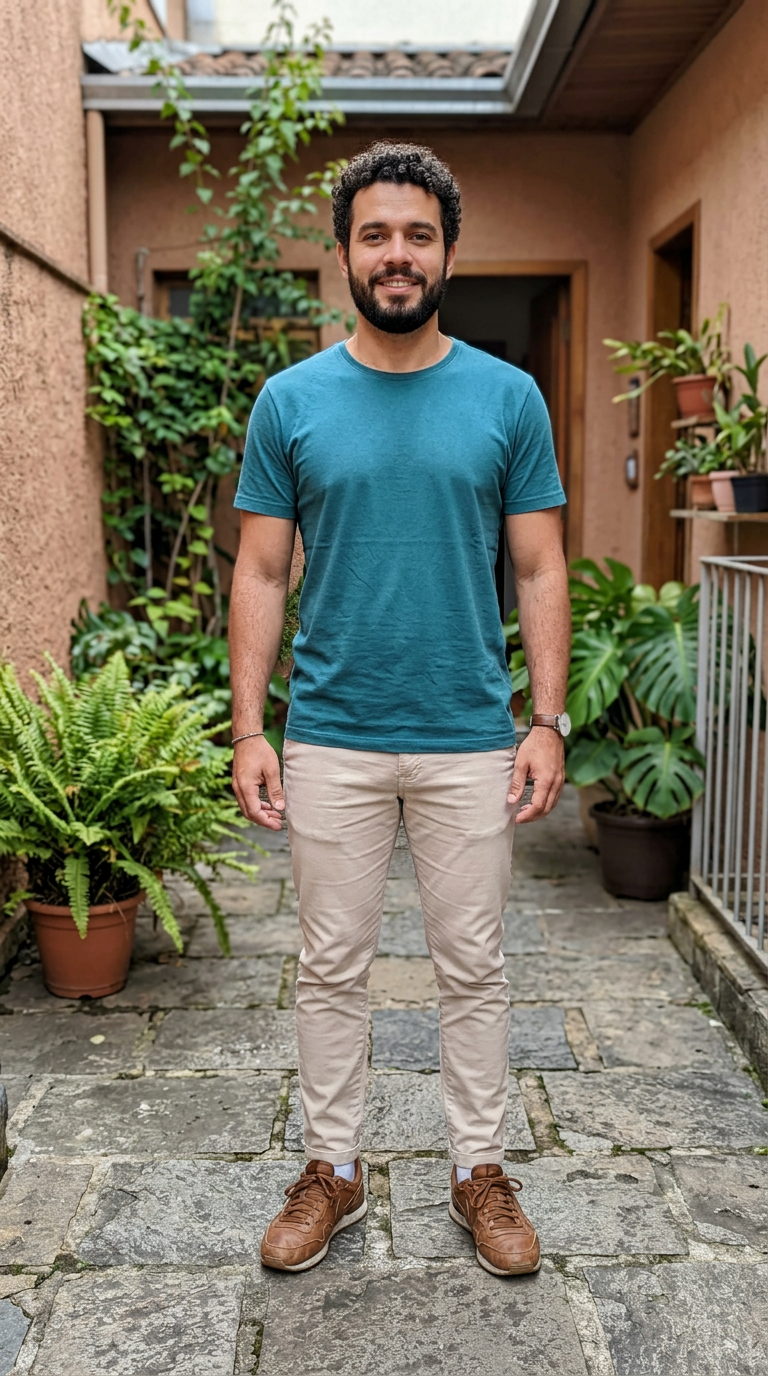
What iPad AI · Steps
- Upload clear photos for the available subject type. Use your own photos or photos you have permission to use; keep two-person roles in left/right order.
- Review the subject, scene and total credit quote, then confirm generation.
- Return from History to edit captions or download the finished result. Photo reveals also include the untouched original.
Your uploads and results stay private.
Original English dialogue and room ambience; no music.
FAQ · What iPad AI
Which photos can I use?
Upload clear photos for the available subject type. Use your own photos or photos you have permission to use; keep two-person roles in left/right order.
How does it work?
Upload clear photos for the available subject type. Use your own photos or photos you have permission to use; keep two-person roles in left/right order. Review the subject, scene and total credit quote, then confirm generation. Return from History to edit captions or download the finished result. Photo reveals also include the untouched original.
How are credits and retries handled?
Confirming starts the quoted steps. Credits are charged per step; failed charged steps are refunded. Successful materials stay saved. Retry only incomplete steps at the displayed cost; caption edits and export retries are free.
What audio is included?
Original English dialogue and room ambience; no music.