

Runway vs Kling vs Luma vs Sora: Which to Use?
Choose Runway, Kling, Luma or a Sora-labelled route by your shot. Compare inputs, free access, prices, watermarks and availability before paying.
Choose Runway for a generation-and-editing workflow, inspect Luma's keyframes when a shot needs a particular start and end, and compare the specific Kling operation when references or motion transfer matter. Check access before choosing Sora: OpenAI's Sora 2 API has shut down, while a third-party Sora-labelled listing needs its own availability check.
This Runway vs Kling vs Luma vs Sora comparison uses official documentation checked on November 5, 2026. Recommendations follow the documented workflow; we have not run a matched output-quality benchmark.
Runway vs Kling vs Luma vs Sora at a glance
| Product or route | Choose it for | Free access and published price | Watermark | Duration and input controls | Source |
|---|---|---|---|---|---|
| Runway | Generate shots and edit existing footage in one workspace | Free: 125 one-time credits for selected tools. Standard: US$12/month billed annually; this is a subscription, not a per-clip price. | Standard lists no watermarks. Free export watermark terms were not verified. | Its pricing uses a 5-second Gen-4.5 example; other models and operations have different inputs and lengths. | Plans, model catalog |
| Kling | Compare the exact generation, reference or motion operation your shot needs | Current consumer free allowance and membership price: not verified. | Not verified for the consumer plan. | Consumer duration limits and reference controls: not verified; check the selected operation. | Official product, membership |
| Luma Dream Machine | Plan a transition with a starting and ending image | Limited free draft video access. The guide lists Lite at US$9.99/month on web; confirm the current checkout offer. | Guide: Free/Lite include watermarks; Plus lists no watermarks. | Documented Ray 2 API example: 5 seconds, with start/end keyframes. This does not establish every consumer model's limits. | Plan guide, video documentation |
| OpenAI Sora 2 API / third-party Sora-labelled route | Check the supplier before considering an offered route | Official API shut down September 24, 2026. A third-party route's current access and price need separate confirmation. | Current third-party export terms: not verified. | An old example proves its recorded settings only; it does not establish current limits. | OpenAI deprecation record, site route note |
“Not verified” means the public sources checked did not establish that detail. It does not mean a feature or free allowance is absent. Consumer subscriptions, developer API billing and this site's credits are separate offers.
Choose by the shot you need
- Product photo: inspect whether the logo, silhouette and packaging stay recognizable throughout the movement.
- A planned transition: test both endpoint frames and watch for subject changes between them.
- Existing footage or a portrait performance: check what the edit must preserve, the reference-video length and the required body framing.
These are workflow recommendations, not a ranking of output quality. If you are starting with a product image, our image-to-video tool keeps the selected photo and prompt together. For an invented supporting shot, start with AI B-roll. Assemble clips, narration and captions in an editor after generation.
Choose the exact product and route
A consumer editor, an API and a third-party hosted route can expose different settings even when they name the same model. Record the exact model, input type, duration, resolution, audio setting and product before comparing clips or prices.
Runway: inspect the current catalog
Runway’s model catalog covers multiple generation and editing options, including models from other suppliers. A comparison anchored only on an older “Gen-3” label will not describe that whole catalog. Decide which operation and model you need before comparing its quote with another service.
Kling: choose the specific operation
Start with the Kling product and the documentation of the route you will actually use. Distinguish generating from a portrait, transferring motion from a reference video and editing existing footage. On this site, motion control and motion transfer describe the configured input requirements and limitations.
Luma: check the shot controls you need
Luma’s video-generation documentation describes generation and keyframe-based controls. Those controls are a reason to inspect the workflow when a shot needs a particular starting or ending state. They do not, by themselves, establish faster rendering or better overall quality than another model.
Sora: verify availability before choosing
OpenAI’s deprecation record, checked November 5, lists September 24, 2026 as the shutdown date for the Videos API and Sora 2 models. FreeVideoGenerator separately lists a supplier-provided Sora 2 route. Read its availability note and confirm the current supplier route before purchasing credits for it. A supplier listing does not establish continuing official API access or identical product features.
Compare costs under matching conditions
A minimum credit price is a price for a specific preset, not a normalized quality score. Compare the same duration and resolution where possible; record audio and reference inputs too. Treat a subscription’s included usage separately from a one-time purchase.
Our pricing page shows this site’s credit charges and package rules. The model directory links to supported settings. Runway and Luma should be evaluated in their own products; this site does not claim to host every model mentioned in this article.
What a recorded example actually proves
The Aura Farming examples include a retained Sora 2 supplier-run clip. Its generation receipt records text input, no reference photograph, 4 seconds, 720p and 9:16. The published output is 720 × 1280 pixels and 4 seconds long; its media record was verified on October 16, 2026 UTC.
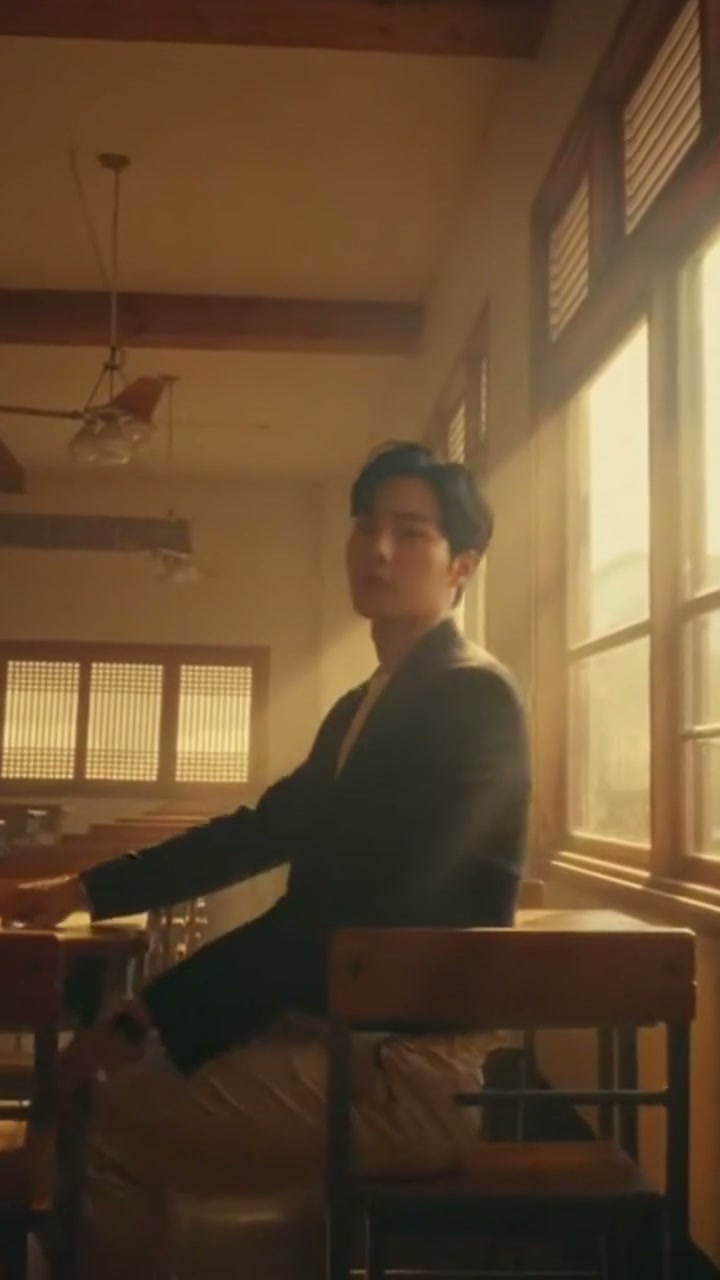
The receipt records a supplier test charge of US$0.339. That is a historical supplier expense, not a customer's site-credit debit or today's retail quote. The example page shows the current quote for its original settings and the exact prompt. Its prompt shortcut copies only that text; the model and your own photos stay selected.
This example establishes the provenance of one retained output. It cannot establish a success rate, a quality advantage over Runway, Kling or Luma, or current supplier availability. A useful comparison needs matching tests across the alternatives, including unsuccessful attempts.
Compare a cost per usable clip
Keep a small record for each candidate: model and product, input, requested duration/resolution, quoted credits or cash price, actual charge, output, and the reason you accepted or rejected it. Write down failed attempts as well as successful ones.
For example, a ten-credit attempt repeated three times uses thirty credits. If only one take meets your requirements, its observed cost per usable clip is thirty credits. This is arithmetic for your own trial, not a measured result or a performance claim about any model. Keep a supplier bill, a consumer subscription and this site's credits in separate columns instead of assuming they have the same unit value.
A repeatable evaluation
- Choose one real task, such as a product orbit or a short establishing shot.
- Keep the same source image and prompt where the models support them.
- Record the exact product, model, settings, quote and generation date.
- Inspect subject consistency, motion, text, audio and whether the clip can be downloaded.
- Keep unsuccessful attempts in your notes. A selected successful example is not a success-rate measurement.
Use the clip that meets your requirements at an acceptable cost. For a first image-based test, open image to video; browse the AI video generator for this site's other workflows.
FAQ
Which of these models is the best?
No overall winner is established by this guide. Choose a specific task, compare compatible settings and inspect the actual outputs.
Can I compare their cheapest prices directly?
Only after checking what each price buys. Duration, resolution, audio, references and subscription rules can differ.
Can I run all four on this site?
No. The model directory is the source for this site’s supported routes. An editorial comparison does not imply that every product discussed is integrated.
Should I use text or image input?
Use text input for an invented scene. Use image input when an existing composition or subject is important, then inspect how well the output preserves it.